Exporting Outputs
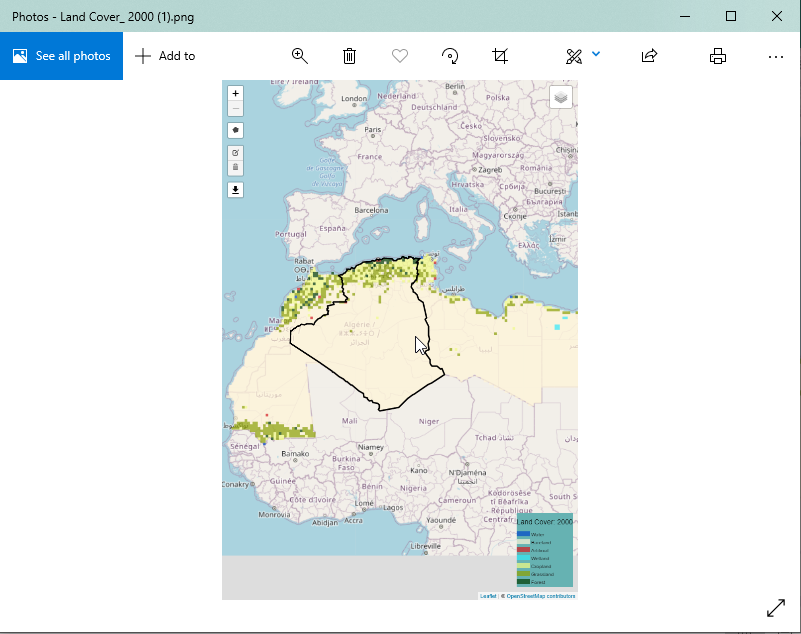
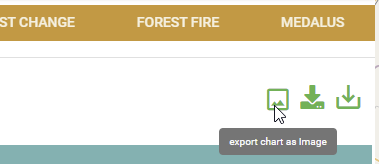
Exporting outputs on the service is as simple and intuitive as all the other functions of the service. Users can download the maps, charts and data as will be discussed in this section of the documentation.
Exporting outputs on the service is as simple and intuitive as all the other functions of the service. Users can download the maps, charts and data as will be discussed in this section of the documentation.