Download raw data

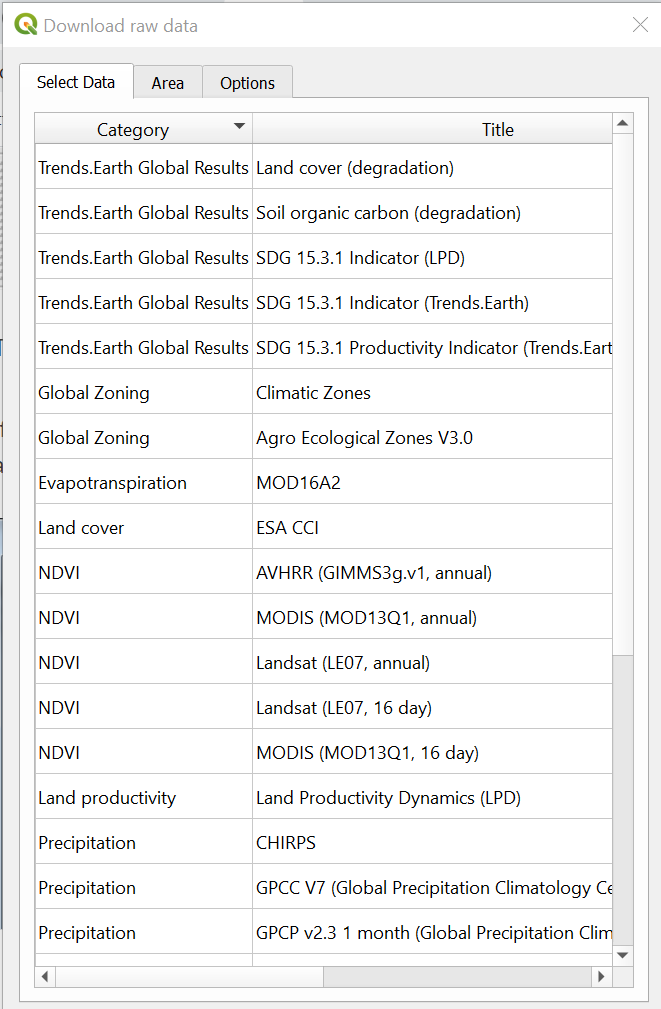
To download data, select the download icon highlighted above. This will open up the “Download Data” dialog box:
If you would like to work with the original raw data used in LDMS, you can select select an area of interest and download the desired data for further analysis.
The table below describes all the data available through the toolbox. It specifies data sources, resolutions, coverage and the different indicators for which each data set is used.