Calculate Forest Change
Computing Forest Loss
Note
The current release of the MISLAND-North Africa uses the High resolution Hansen Global forest Change data to compute forest loss for selected area and year.
To compute forest loss using the Hansen Global forest change dataset;
On the top left conner of the Map pannel, click on the ‘Draw a Polygon’ tool and draw an area on the map where you wish to compute the forest loss
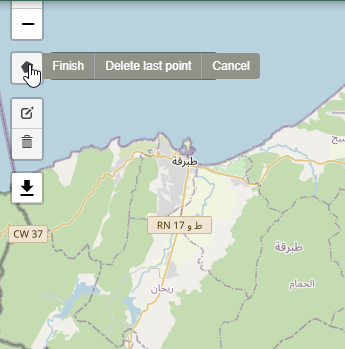
Draw a polygon tool
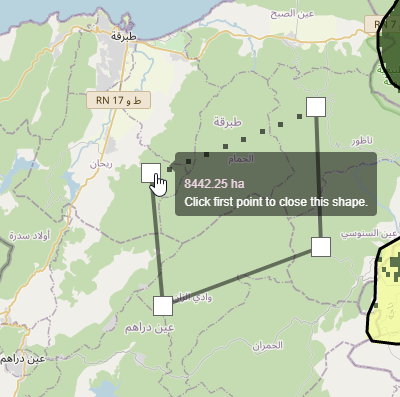
Draw a polygon tool
Select FOREST CHANGE on the service menu bar and under the ‘Source dropdown’ options, choose ‘Hansen’ and select the year you wish to compute the forest loss.
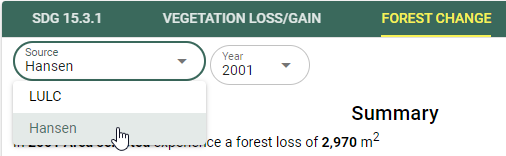
Selecting the Hansen Forest loss data
The map and computed statistics will be displayed on the map panel and summary pannel respectively.
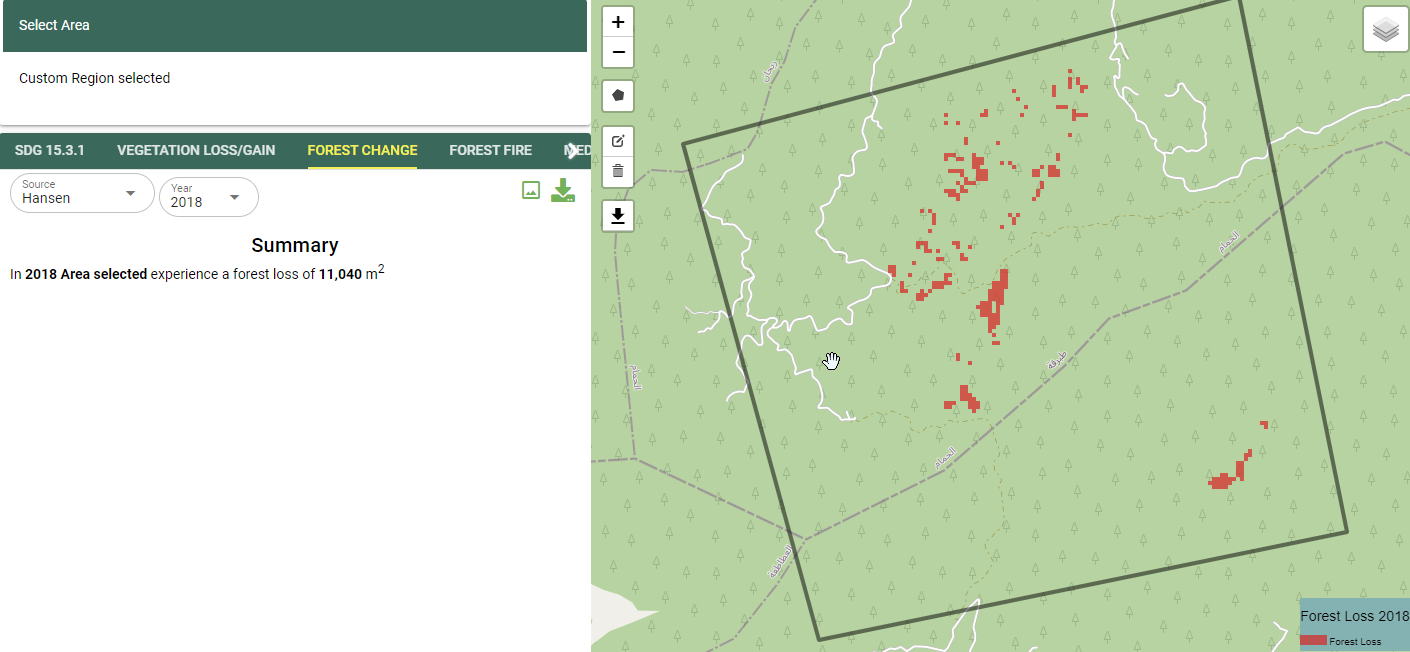
Foret change outputs
Computing Forest Fires
Select the FOREST FIRES option from the service menu as shown below

Selecting the Forest-fires option from the service menu.
On the output layer options, select the pre and post fire dates using the calender
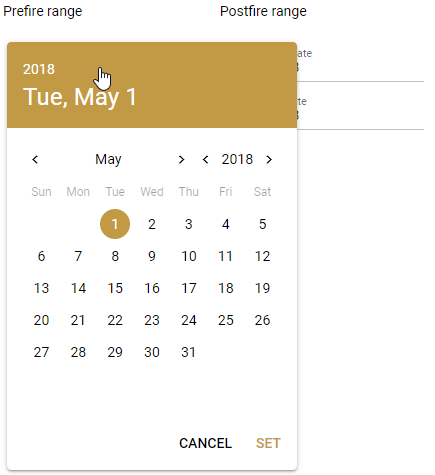
Selecting the date from the calender tool.
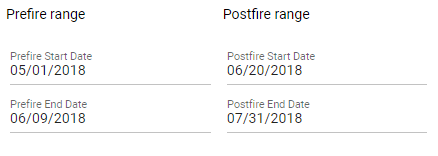
Pre-fire and Post-fire dates
Choose the platform to use to compute the burnt area
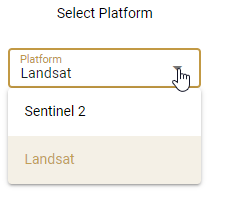
Choosing the Platform/Sensor for computing forest fires.
The output showing the extent and severity of the fire will be as shown below
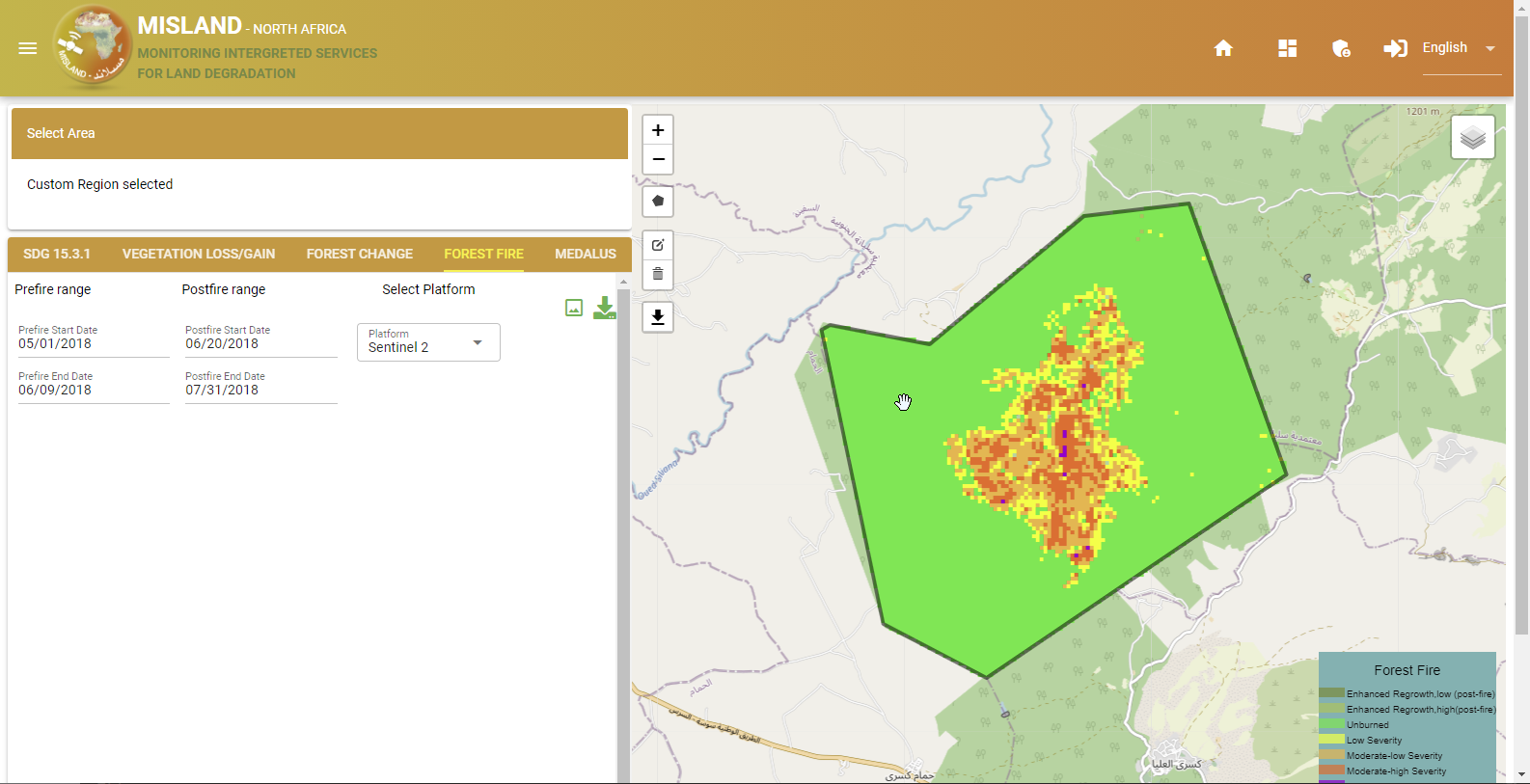
Forest-fire Output.