Download data
In addition to exporting charts as an option, users can also downlad the data and plot their own custom charts or perform further analyses.
The Download Data option can be found just below the service menu-bar as shown below.
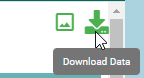
Download CSV file option
The downloaded data is in .csv format and can be open in microsoft exel or similar software
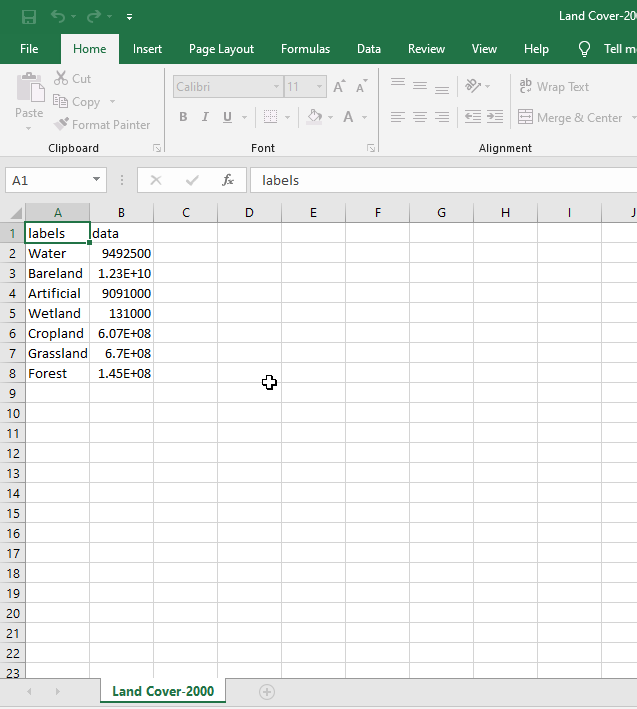
Exported data as CSV
Downloading Raster Data
MISLAND Service users can also download the data in GeoTIF format for further analysis or visualization
To download the raster data, Click on the download tiff just below the service menu-bar as shown below
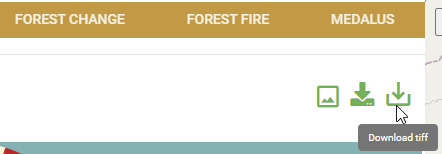
Download tiff file option
This will prompt you to save the file in your desired location. The downloaded raster can be visualized and analysed with your desired software or tools.
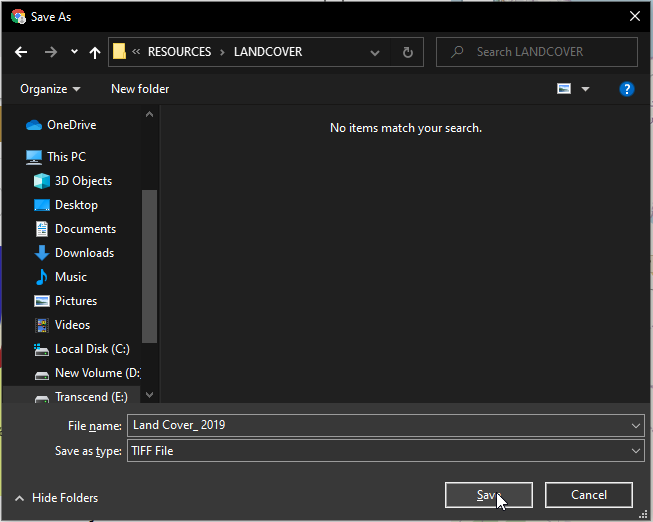
Saving the downloaded tiff